
Focused Toolbar
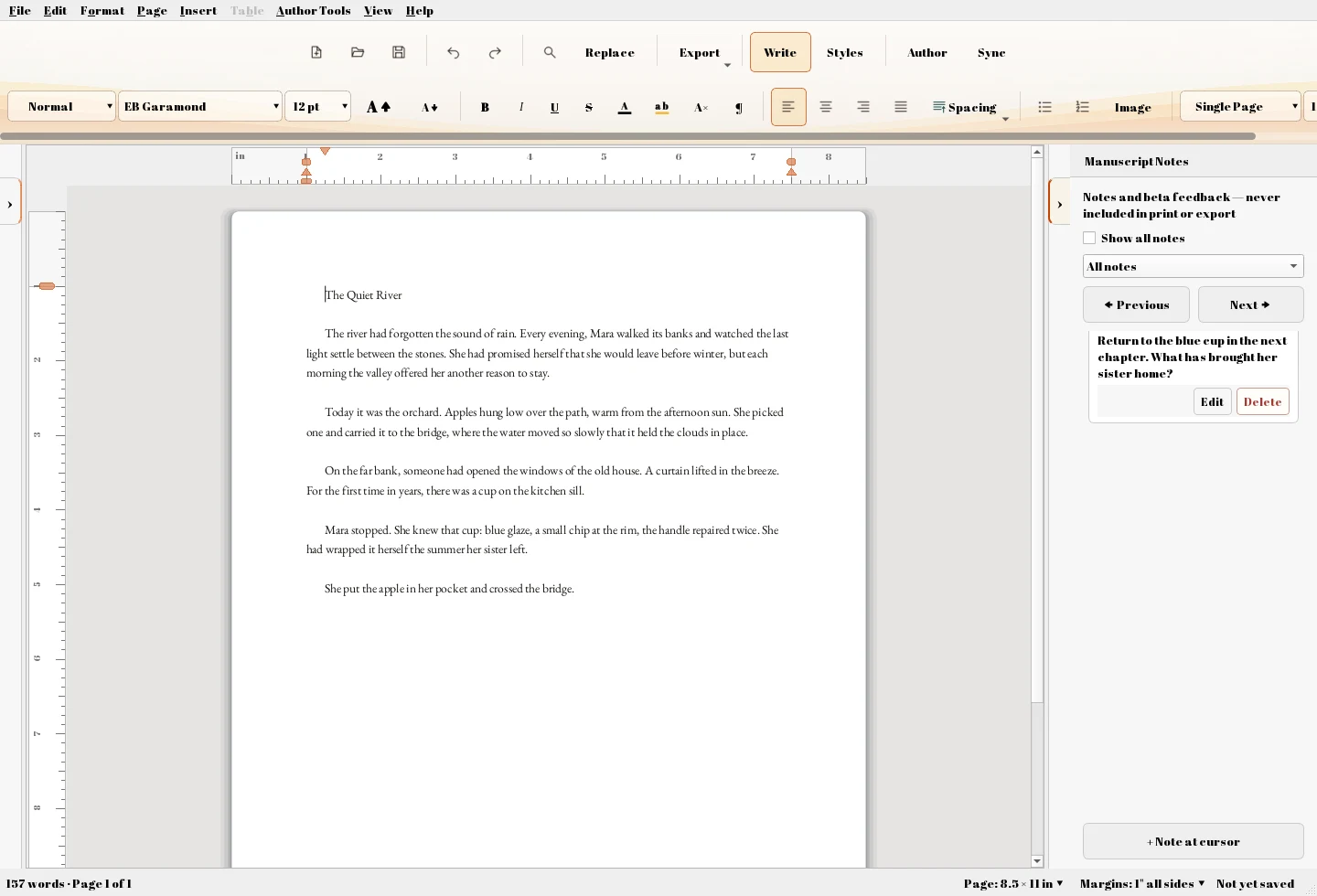
Format as you write with familiar controls for fonts, styles, spacing, alignment, lists, and more.
AFFINER EDITOR · FREE FOR WINDOWS
Your word processor should be free.
Write a chapter, a letter, an essay, or whatever comes next. Affiner gives you a capable Windows word processor with the tools you need to write, edit, and save your work.
FREE TO USE | NO SUBSCRIPTION | WINDOWS
$0for the word processor
Writing, editing, saving, and ordinary document tools are free. No monthly subscription. No time limit on your writing.
FOCUS ON THE WORDS
Familiar controls. Thoughtful details. Space to make the document yours.
Format as you write with familiar controls for fonts, styles, spacing, alignment, lists, and more.
Move through chapters, sections, and longer documents without losing your place.
Spot repetition, adverbs, filter words, sentence patterns, and other issues while keeping control of your prose.
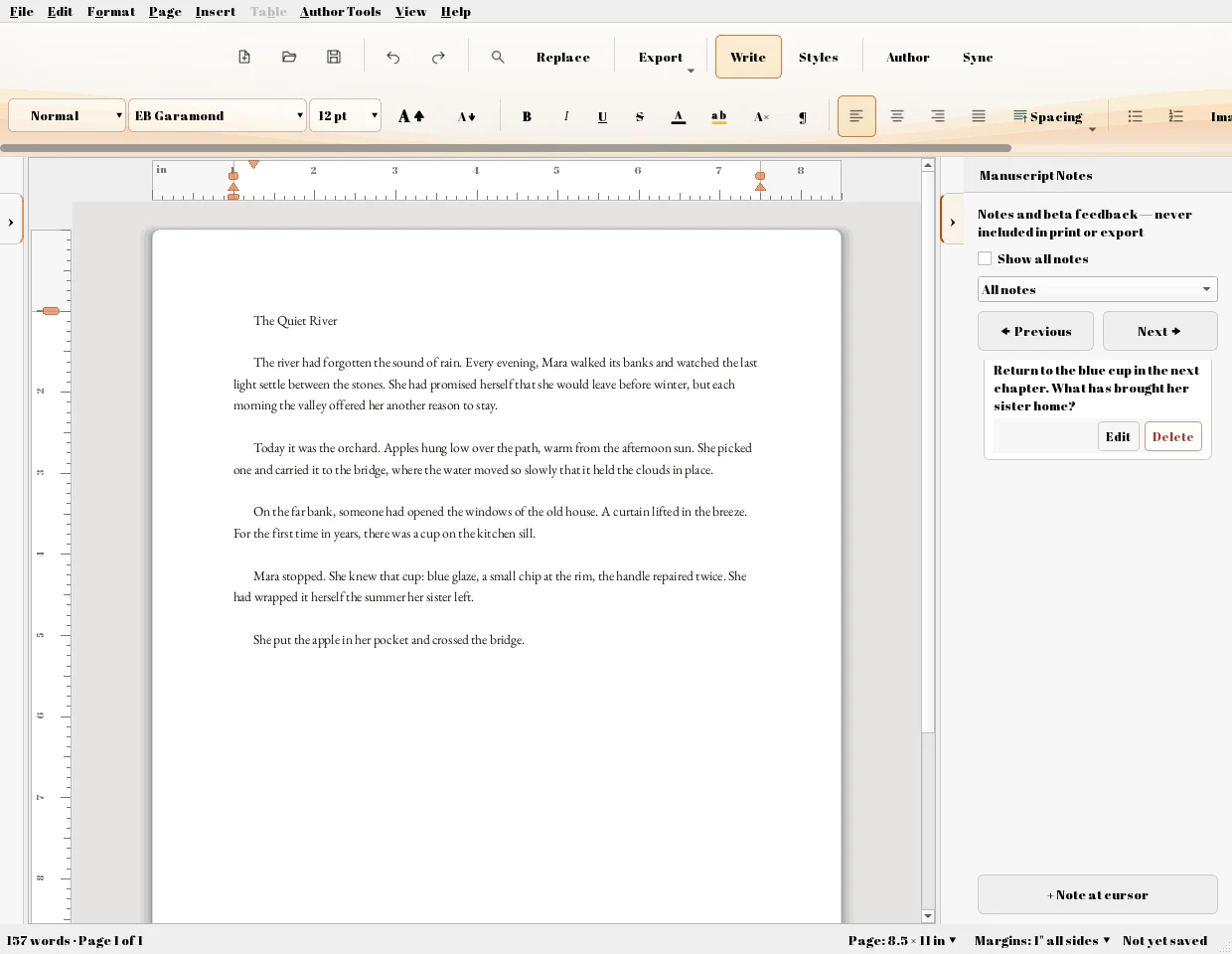
Keep notes and reminders alongside the text they belong to, so your thoughts stay connected to your writing.
Start faster with ready-made layouts for novels, query letters, business documents, and more.
Control page size, margins, headers, footers, page numbers, and other document layout settings.
YOUR DOCUMENT. YOUR WORKSPACE.
Make a note. Find a section. Pick up the thread.
Attach notes to passages, move through longer documents, and adjust your view while you work. Page controls let you shape margins, headers, footers, and numbering.
START WITH A BLANK PAGE
Windows writing software. Currently in beta.
FreeNo subscription.
Downloads the Windows installer directly.
Run the installer and follow the setup steps, then open Affiner Write.
Affiner is currently in beta. Keep backups of important documents and tell us when something gets in the way.
Report an Issue47bed4037bdedc2a800eee12726cc6550fade61a3100d3b3ba171d2ed534082d